MOBILE OPERATIONS
Mobile Operations
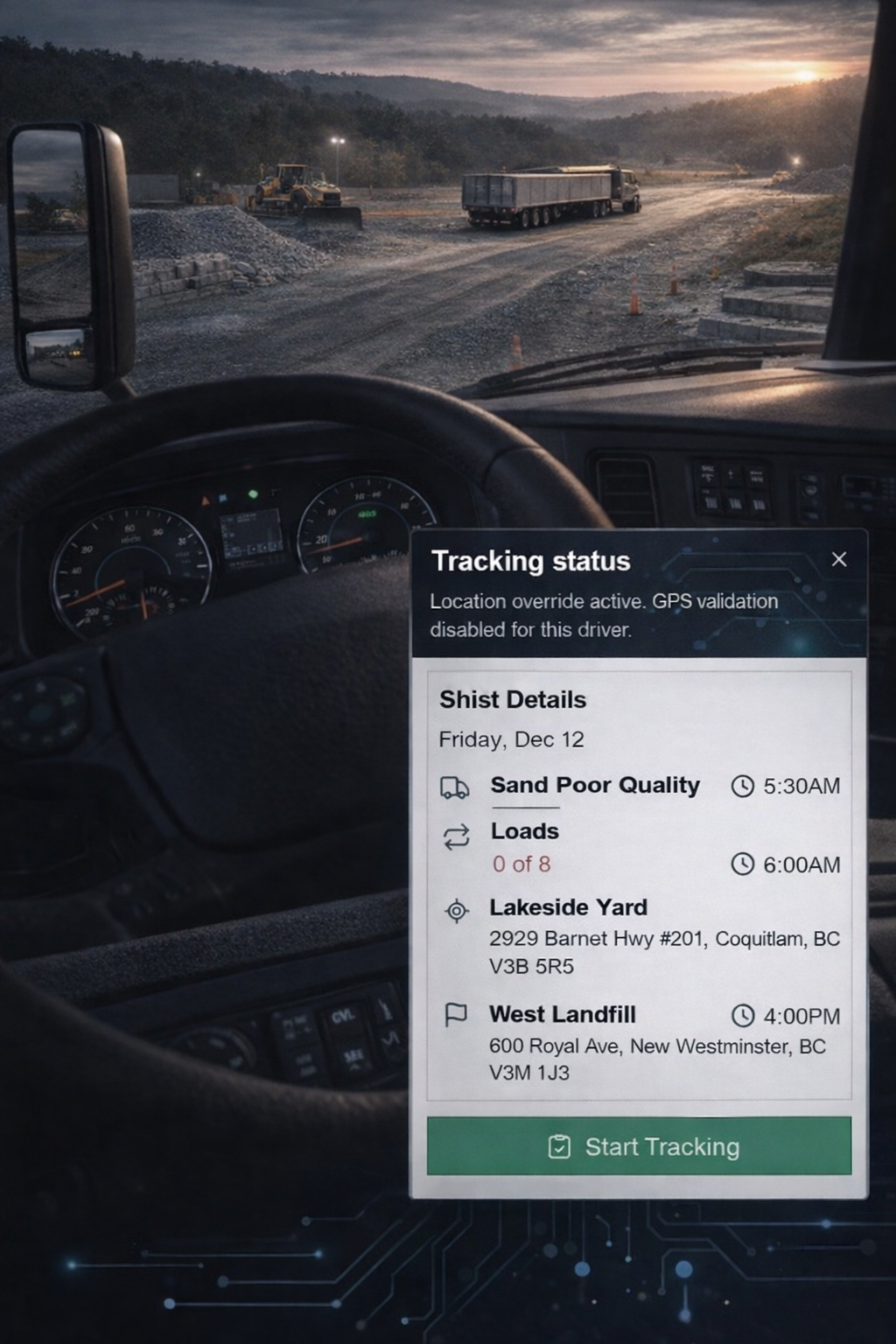
Give drivers a controlled mobile entry point for the entire shift. Provide clear job context, structured responses, and guided execution flows. Keep communication inside the platform with role-aware messaging. Let drivers retrieve finalized paperwork without calling dispatch. Capture photo evidence with the right context attached from the start. DispatchFleet keeps this workflow connected across the platform.
PRODUCT AREAS
Product areas in Mobile Operations
Explore the product areas that make up Mobile Operations - designed to work together without duplicate data. These capabilities show how DispatchFleet supports day-to-day execution in this area. They capture the decisions dispatchers and field teams make every shift. They also define the guardrails that keep data consistent when plans change. Scan the list below to understand the major functions at a glance. Next, the Features section breaks each capability into concrete actions, screens, and reusable building blocks.
Driver Console
Provide drivers with a single, high-signal entry point for the shift. Show full job context without extra navigation. Support quick acceptance or structured response. Make tracking state explicit. Keep interaction minimal and controlled.
- Today shift overview
- Accept or respond flow
- Job context display
- Tracking status
- Bottom navigation
Calendar
Give drivers visibility into workload across the month. Highlight active and free days clearly. Drill into daily job lists without risk of edits. Use status indicators for quick understanding. Support planning and awareness.
- Monthly job overview
- Day selection
- Per-day job list
- Status indicators
- Quick navigation
Messages
Keep dispatch communication inside the platform. Review conversations in a structured inbox. Send messages to role-based recipients. Search history when context is needed. Maintain an auditable record without chat noise.
- Inbox view
- Threaded conversations
- Role-based recipients
- Search and filters
- Auditable history
Docs
Give drivers access to finalized paperwork without involving dispatch. Retrieve inspection reports, signed BOLs, and timesheets. Filter by document type and date. Show availability clearly. Keep documents protected from edits.
- DVIR access
- Bills of Lading access
- Timesheet PDFs
- Document filters
- Read-only retrieval
Photo Report
Capture and submit photo evidence directly from the field. Attach photos to the correct job or ticket. Add notes and metadata for clarity. Submit reports in a controlled flow. Support compliance, billing, and dispute resolution with visual proof.
- Photo capture
- Gallery upload
- Metadata tagging
- Job and ticket linkage
- Submission workflow
WORKFLOW
Mobile Operations workflow
Give drivers a controlled mobile entry point for the entire shift.
01
Support Driver Console with clear rules, visibility, and consistent execution.
02
Support Calendar with clear rules, visibility, and consistent execution.
03
Keep dispatch and field communication inside the system with role-aware messaging.
04
Support Docs with clear rules, visibility, and consistent execution.
05
Support Photo Report with clear rules, visibility, and consistent execution.
01
Support Driver Console with clear rules, visibility, and consistent execution.
02
Support Calendar with clear rules, visibility, and consistent execution.
03
Keep dispatch and field communication inside the system with role-aware messaging.
04
Support Docs with clear rules, visibility, and consistent execution.
05
Support Photo Report with clear rules, visibility, and consistent execution.