DRIVER CONSOLE
Driver-first Driver Console
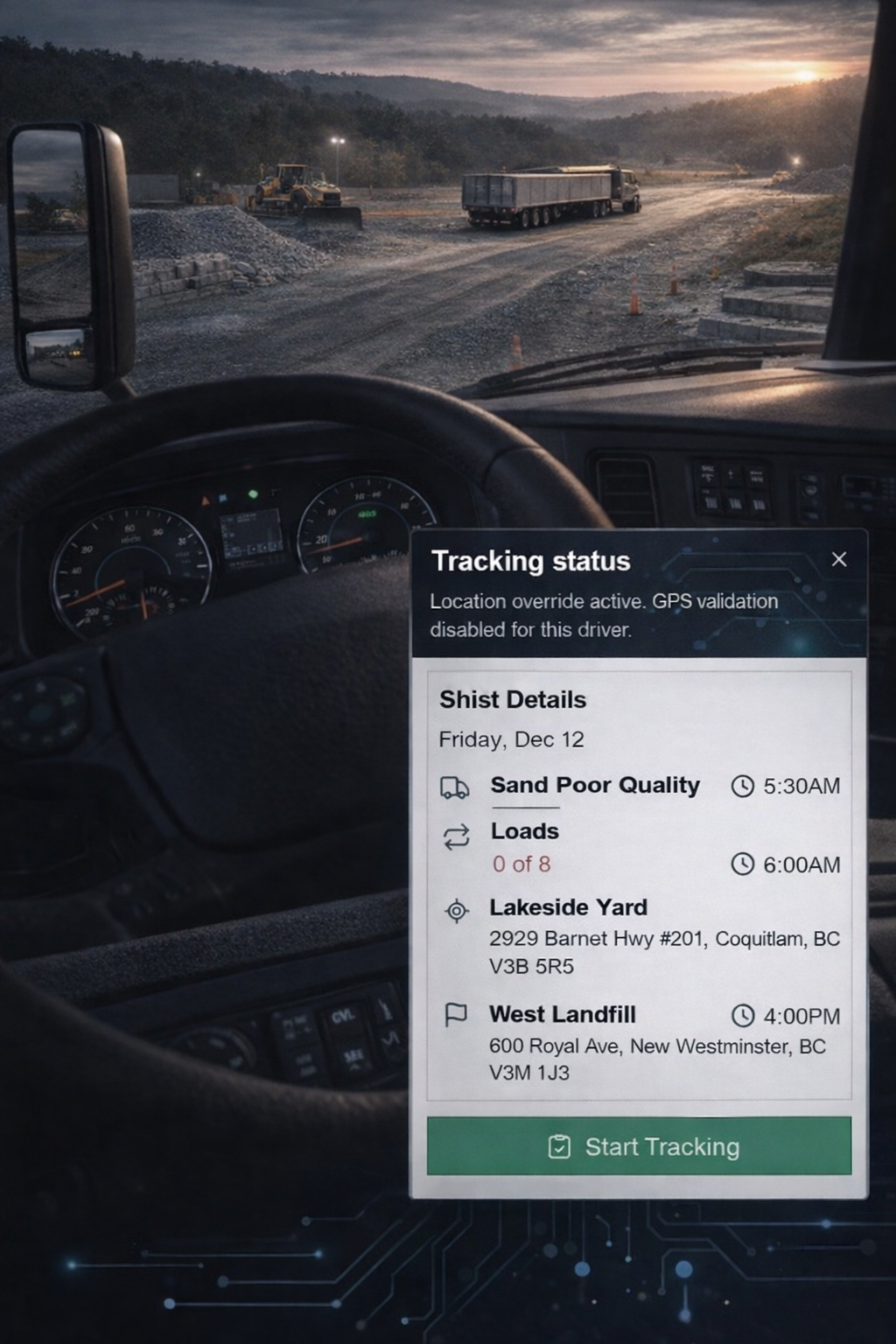
Provide drivers with a single, high-signal entry point for the shift. Show full job context without extra navigation. Support quick acceptance or structured response. Make tracking state explicit. Keep interaction minimal and controlled. DispatchFleet keeps this workflow connected across the platform.
CAPABILITIES
Inside Driver Console
Provide drivers with a single, high-signal entry point for the shift. These capabilities show how DispatchFleet supports day-to-day execution in this area. They capture the decisions dispatchers and field teams make every shift. They also define the guardrails that keep data consistent when plans change. Scan the list below to understand the major functions at a glance. Next, the Features section breaks each capability into concrete actions, screens, and reusable building blocks.
Today shift overview
Provides a fast, searchable view for today shift overview within Driver Console. Surfaces key identifiers and state so teams can act without leaving the workflow. Supports quick drill-down to details for dispatch, compliance, or review.
- Today summary
- Active jobs list
- Quick jump to job details
Accept or respond flow
Supports accept or respond flow within Driver Console. Adds structure, guardrails, and traceability to keep operations consistent. Improves speed and accuracy across the Mobile Operations workflow.
- Accept/acknowledge
- Respond with status
- Keep dispatch informed
Job context display
Centralizes job context display so users can review configuration, relationships, and history in one place. Improves handoffs between dispatch, fleet, and accounting teams. Keeps edits safe with clear visibility into what changed and why.
- Customer/site/material context
- Time windows and targets
- Per-job notes
Tracking status
Provides tracking status with an event timeline that stays linked to jobs, tickets, and inventory impact. Improves visibility into what happened, when it happened, and who performed the action. Supports filtering and exports for audit workflows.
- Job status badges
- Load-stage progress
- Live updates in-app
Bottom navigation
Supports bottom navigation within Driver Console. Adds structure, guardrails, and traceability to keep operations consistent. Improves speed and accuracy across the Mobile Operations workflow.
- Quick access to core screens
- Consistent navigation pattern
- Reduce taps during shifts
WORKFLOW
Driver Console workflow
Provide drivers with a single, high-signal entry point for the shift.
01
Support Today shift overview with clear rules, visibility, and consistent execution.
02
Support Accept or respond flow with clear rules, visibility, and consistent execution.
03
Support Job context display with clear rules, visibility, and consistent execution.
04
Support Tracking status with clear rules, visibility, and consistent execution.
05
Support Bottom navigation with clear rules, visibility, and consistent execution.
01
Support Today shift overview with clear rules, visibility, and consistent execution.
02
Support Accept or respond flow with clear rules, visibility, and consistent execution.
03
Support Job context display with clear rules, visibility, and consistent execution.
04
Support Tracking status with clear rules, visibility, and consistent execution.
05
Support Bottom navigation with clear rules, visibility, and consistent execution.