FLEET PLANNER
Real-time Fleet Planner
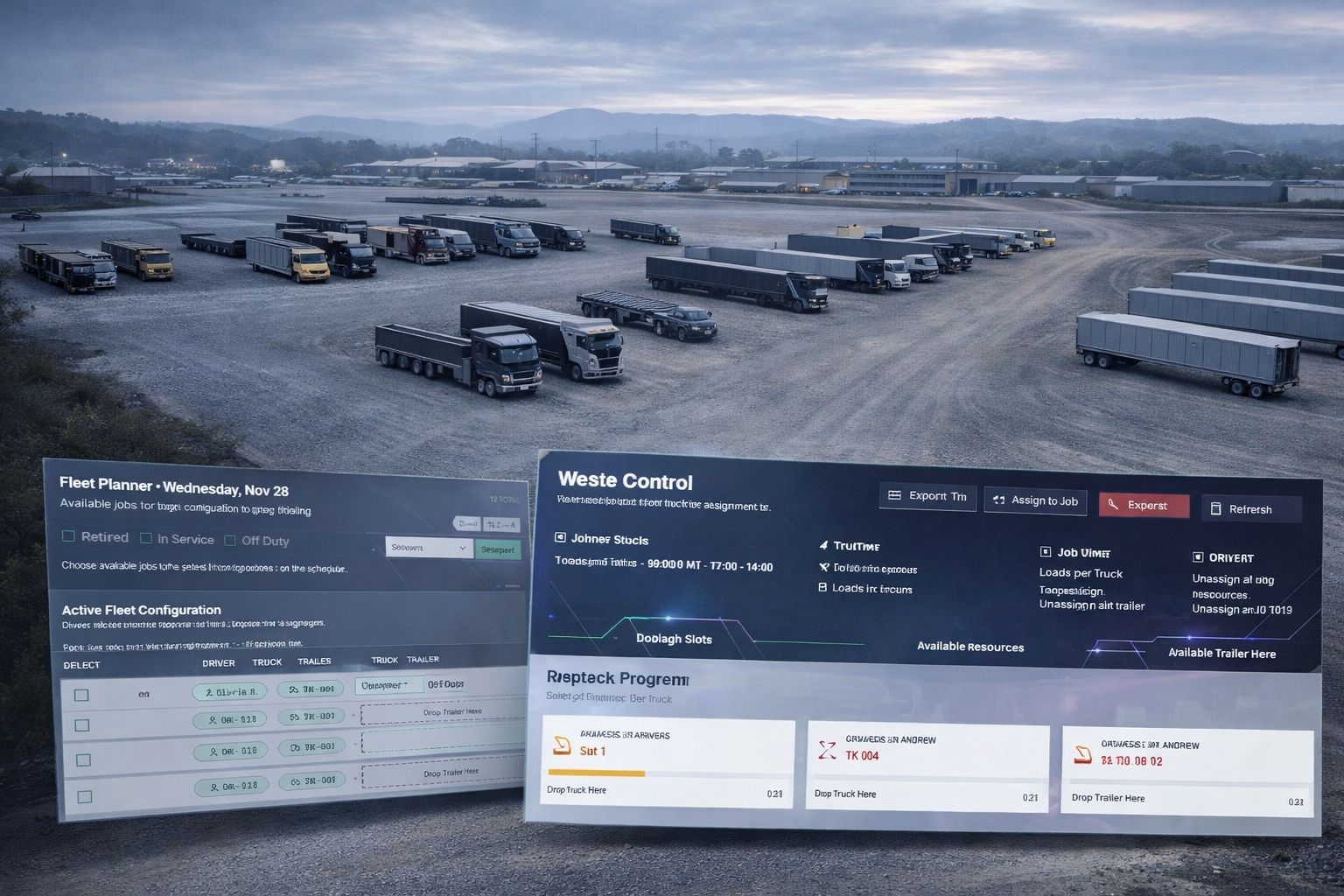
Build complete driver-truck-trailer units before execution starts. See only resources valid for the selected shift. Drag and drop to configure the active fleet in seconds. Assign ready configurations directly to jobs. Keep planning fast, clean, and reversible. DispatchFleet keeps this workflow connected across the platform.
CAPABILITIES
Inside Fleet Planner
Build complete driver-truck-trailer units before execution starts. These capabilities show how DispatchFleet supports day-to-day execution in this area. They capture the decisions dispatchers and field teams make every shift. They also define the guardrails that keep data consistent when plans change. Scan the list below to understand the major functions at a glance. Next, the Features section breaks each capability into concrete actions, screens, and reusable building blocks.
Shift-based resource planning
Provides a fast, searchable view for shift-based resource planning within Fleet Planner. Surfaces key identifiers and state so teams can act without leaving the workflow. Supports quick drill-down to details for dispatch, compliance, or review.
- Shift selector
- Resource counts
- Planned demand context
Driver-truck-trailer configuration
Enables driver-truck-trailer configuration with validation so pairings remain consistent across driver, truck, and trailer resources. Prevents conflicts and applies changes immediately for the active shift. Records changes for traceability and audit readiness.
- Create pairings
- Swap/unpair resources
- Validate compatibility
Available resources panel
Supports available resources panel within Fleet Planner. Adds structure, guardrails, and traceability to keep operations consistent. Improves speed and accuracy across the Dispatch & Execution workflow.
- Availability list
- Reasons for unavailability
- Search and filters
Batch configuration
Enables batch configuration with validation so pairings remain consistent across driver, truck, and trailer resources. Prevents conflicts and applies changes immediately for the active shift. Records changes for traceability and audit readiness.
- Bulk assign
- Bulk unassign
- Quick reset
Assign configuration to job
Enables assign configuration to job with validation so pairings remain consistent across driver, truck, and trailer resources. Prevents conflicts and applies changes immediately for the active shift. Records changes for traceability and audit readiness.
- Pick job slot
- Apply pairing
- Instant update
Utility controls & filters
Makes utility controls & filters practical at scale by narrowing results to the right shift, job, or asset. Reduces noise while keeping operational context visible. Improves speed for dispatchers, managers, and back-office users.
WORKFLOW
Fleet Planner workflow
Build complete driver-truck-trailer units before execution starts.
01
Support Shift-based resource planning with clear rules, visibility, and consistent execution.
02
Support Driver-truck-trailer configuration with clear rules, visibility, and consistent execution.
03
Support Available resources panel with clear rules, visibility, and consistent execution.
04
Support Batch configuration with clear rules, visibility, and consistent execution.
05
Support Utility controls & filters with clear rules, visibility, and consistent execution.
01
Support Shift-based resource planning with clear rules, visibility, and consistent execution.
02
Support Driver-truck-trailer configuration with clear rules, visibility, and consistent execution.
03
Support Available resources panel with clear rules, visibility, and consistent execution.
04
Support Batch configuration with clear rules, visibility, and consistent execution.
05
Support Utility controls & filters with clear rules, visibility, and consistent execution.